Hallo-webui 生成数字人
1 安装
git clone https://github.com/daswer123/hallo-webui
cd hallo-webui
git clone https://huggingface.co/fudan-generative-ai/hallo pretrained_models
wget -O pretrained_models/hallo/net.pth https://huggingface.co/fudan-generative-ai/hallo/resolve/main/hallo/net.pth?download=true
virtualenv .venv
source .venv/bin/activate
pip install -r requirements.txt
pip install -e .
pip install torch==2.2.2+cu121 torchaudio torchvision --index-url https://download.pytorch.org/whl/cu121
pip install onnxruntime-gpu
如果希望在 0.0.0.0 上监听,修改 app.py 的最后一行
demo.launch(inbrowser=True, share=share_url)
为
demo.launch(inbrowser=True, share=share_url, server_name="0.0.0.0")
2 准备素材
找一张 512x512 的 jpg,命名为 szr.jpg 放到根目录下。
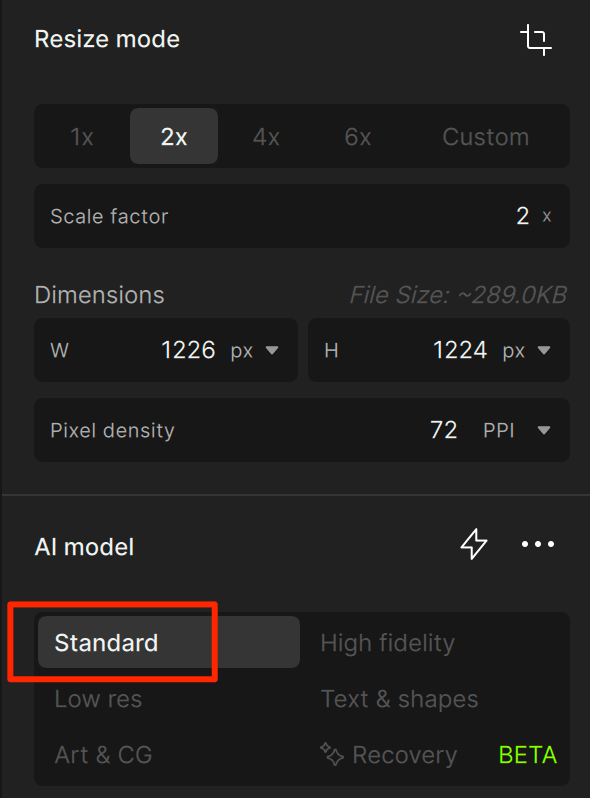
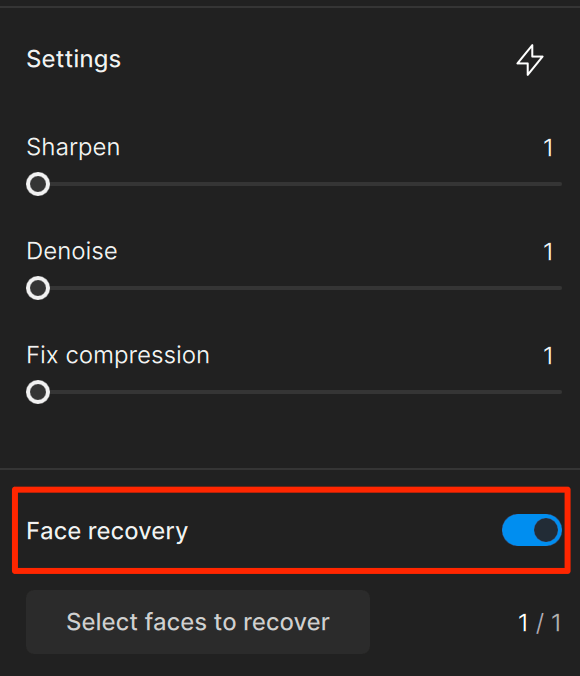
如果不够清晰,用 Topaz Gigapixel AI 进行修复。修复完后记得缩小为 512x512。
音频改名为 audio.wav,也放到根目录下。
3 生成
运行 python app.py,或者用命令行启动
python scripts/inference.py \
  --source_image szr.jpg \
  --driving_audio audio.wav \
  --output output/szr.mp4 \
  --setting_steps 80 \
  --setting_cfg 3.5 \
  --settings_seed 42 \
  --settings_fps 25 \
  --settings_motion_pose_scale 1.1 \
  --settings_motion_face_scale 1.1 \
  --settings_motion_lip_scale 1 \
  --settings_n_motion_frames 2 \
  --settings_n_sample_frames 16
ffmpeg -y -i output/szr.mp4 -c:v copy -c:a aac output/szr-aac.mp4
!!! 过程非常慢,1 分钟的音频生成时间在 1 个小时左右。
4 后处理
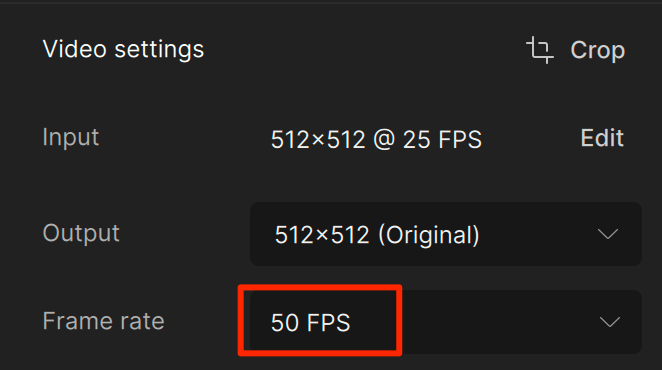
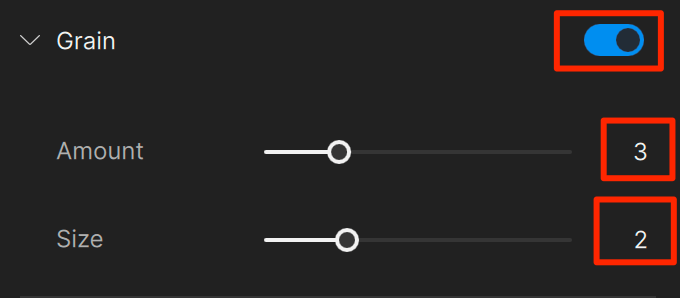
因为生成的数字人视频只有 25fps,而且感觉有闪烁。需要使用 Topaz Video AI 处理。